/ > /swf/ > Thread 11083

Age: 229.07d   Health: 0%   Posters: 1   Posts: 2   Replies: 0   Files: 1+3

>> Anonymous 12apr2017(we)12:13 No.48207 OP P1

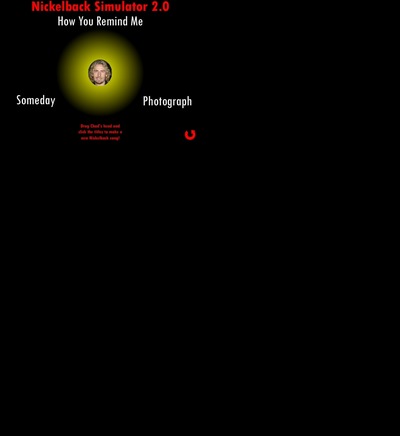
Three songs, endless possibilities.

[IMG] Nickelback2.1.swf (9.39 MiB)
550x400, Compressed. 1 frame, 60 fps (00:00).
Ver15, AS3. Network access: No. Text: Yes.
Bitmaps: Yes. Audio: Yes. Video: No. <METADATA>
[find in archive]

>> Anonymous 8aug2017(tu)03:50 No.52306 OP P2

wrote this for http://swfchan.net/38/U1GOGU2.shtml#p3270346 but the thread 404'd right when i was
about to post. so i'll just post it here instead:

>>3270346
>I would love to know how this was done
you need:
+ instrumental versions of all songs
+ vocal-only versions of all songs

1) put all instrumental versions in audacity next to each other
2) cut, move around parts and change volumes, so that it sounds good when all three is played at
the same time. give priority to parts that make certain songs especially recognizable
3) mix together to a single audio stream

4) put all vocal-only versions in audacity next to each other
5) also add the mix created in step 3
6) extend/reduce silent parts to match beginnings of refrains or verses. make sure every vocal
track has the same legth as the mix from step 3

7) export the vocals seperately
8) add the four audio tracks to flash, the instrumentals always play at the same volume
9) make it so that you can change volume of each of the three vocal tracks, maybe by dragging
around a head

vocal-only releases are more rare than instrumental-only releases but they happen, here's "How you
remind me" as an example:
https://youtu.be/haO6G-kZWTs