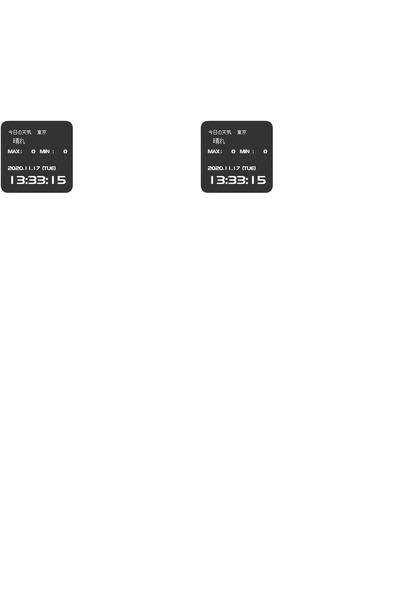
File: rumia_mascot.swf-(7.24 MB, 500x500, Anime)
[_] Post Clocks Anonymous 12/20/20(Sun)01:36:44 No.3450401

Marked for deletion (old).
>> [_] Anonymous 12/20/20(Sun)01:43:01 No.3450403

  Why is the filesize so big?

>> [_] Anonymous 12/20/20(Sun)03:59:06 No.3450409

  Doing rightclick->"play" seems to lead to some other screen with buttons. I can't read moon runes
  tho so I have no idea what it is.

>> [_] Anonymous 12/20/20(Sun)04:01:25 No.3450410

  >>3450409
  lmao nevermind you can access it just by clicking, too

>> [_] Anonymous 12/20/20(Sun)04:09:47 No.3450413

  Alright, I figured out how to set up the alarm (the first button). At first I thought it's a
  countdown, but no, it's a proper alarm clock. You pick a time and click the left button to set
  it. The three radio boxes determine which ringtone will play when it goes off; all three are
  Rumia themesong arranges obviously.

  Decompiling the swf I found two sprites that I couldn't account for, one with Rumia looking cute
  and other with her holding an umbrella. I still have no idea how to make it show up in the actual
  flash, tho. Probs something to do with the second button.

  Also, anyone has any idea what the MAX MIN things are?

>> [_] Anonymous 12/20/20(Sun)10:19:29 No.3450442

  who needs a 7 MB clock??

>> [_] Anonymous 12/20/20(Sun)18:33:46 No.3450481

  >>3450413
  it's not surprising you went through all this trouble.
  clocks are important.

>> [_] Anonymous 12/21/20(Mon)10:38:02 No.3450541

  >>3450442
  Me.