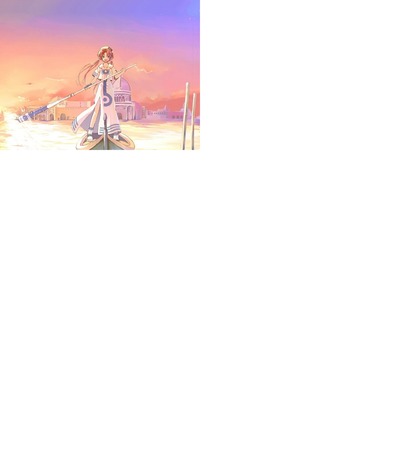
File: aria.swf-(9.44 MB, 1024x768, Anime)
[_] Anonymous 10/24/23(Tue)10:32:14 No.3500617

  Aria

>> [_] Anonymous 10/24/23(Tue)10:35:53 No.3500618

  i miss when this flash worked

>> [_] Anonymous 10/24/23(Tue)17:04:09 No.3500621

  >>3500618
  what do you mean, it still does

>> [_] Anonymous 10/24/23(Tue)20:29:34 No.3500632

  >>3500621
  sure it works fine in standalone but in-browser it's a blank white screen and it was doing that
  even back when flash was still around, something happened at some point that broke the file
  partially.

>> [_] Anonymous 10/25/23(Wed)09:49:12 No.3500642

  >>3500632
  oh no that is just a, idk, quirk flash plugin developed in browsers over time
  there is even a browser setting that affects it (something async drawing or else) but I'd advise
  against changing it, as it fucks up the visual canvas (you start to see "afterimages" of movement)

  to put it shortly, flash doesn't refresh a still image on the first (loading) frame, if it isn't
  a movieclip
  that's why, even you put still images on your preloader or whatnot, you still convert them into
  movieclips
  only when (a part of) the screen changes, as in flash draws something new there or moves a part,
  then that part of the screen will get refreshed, obviously if a second image takes screen you'd
  see it just fine, but the first one doesn't get displayed

  BUT there is an easy way to force flash to redraw the canvas, and that is just simply zooming in,
  moving the screen around and zooming back out, or some combination of those

  it's not the flash that is broken in any way, just the way that flash displays the first frame of
  some (clumsily created) flashes
  remember kids, no still images on the first and only frame!